-1.png?width=240&height=100&name=Heading%20(2)-1.png)
**Please note: Always check the communication timeline as some communications are automatically scheduled based on your event day and time listed in your Edit Event>Basics.**
- To preview the Communication Timeline click on the link shown below.
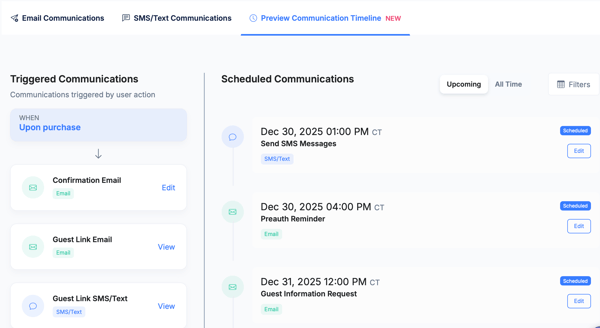
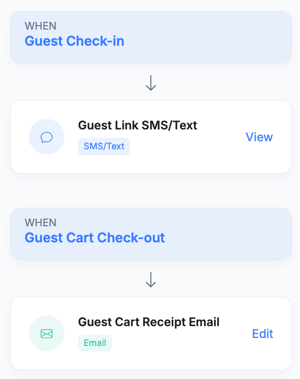
- On the left side it shows the emails that are triggered by a guest or participant action.
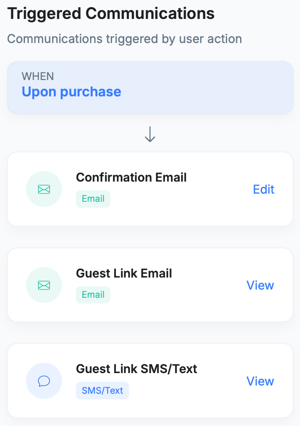 .
. 
- The right side shows all your scheduled text messages and emails.
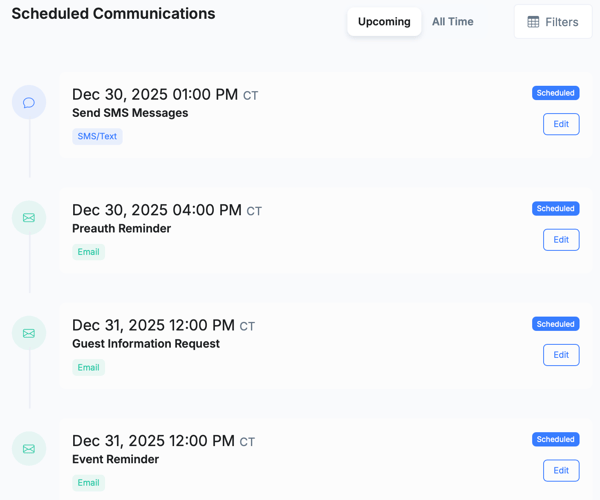
Need Additional Help?
We're here to assist you in any way we can. Don't hesitate to reach out to support@betterunite.com
Let's go do some good.