After completing a donation, donors can leave a public note to share their support with everyone. The note appears on your campaign page whenever the campaign is set to show donors on the page, helping you build momentum and deepen donor engagement.
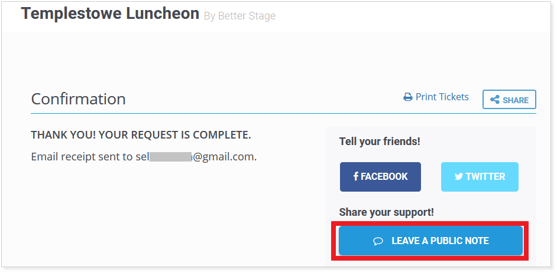
- After the donor completes their payment, the confirmation page displays the option to leave a public note, as shown below.
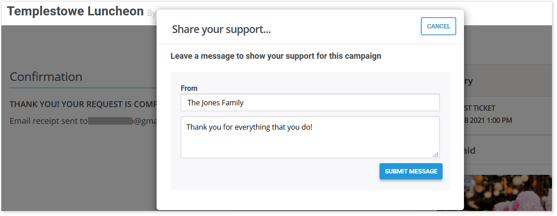
- When they click on this option, the donor can fill out the fields to show who the message is from and also their message to share.
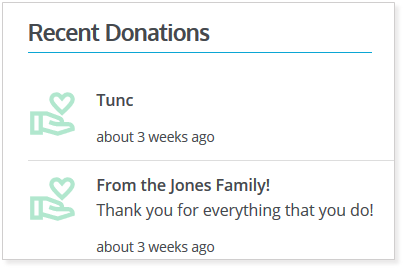
- The public note is visible to all visitors on your campaign webpage, as shown in the example below.
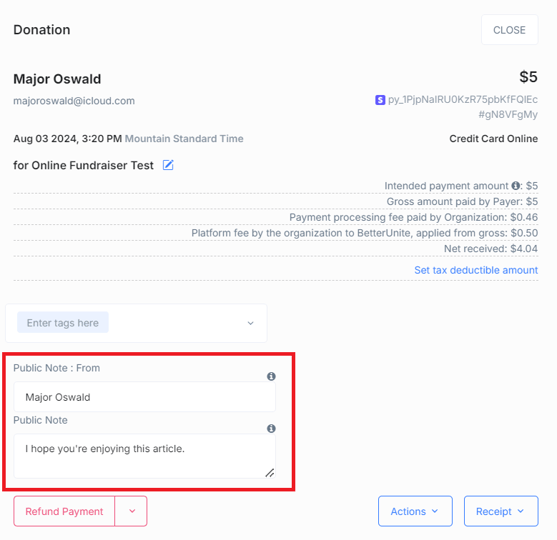
- To find a donor's public note, open the campaign's donation list in your admin dashboard and select the donation. Your organization can then view and edit the public note on the donation record.
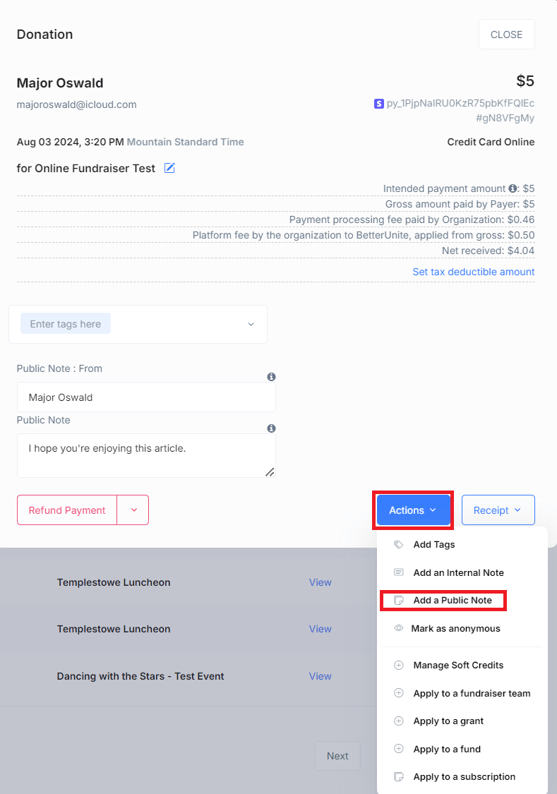
- If there is a note already, it will be shown and editable here.
Need Additional Help?
We're here to assist you in any way we can. Don't hesitate to reach out to support@betterunite.com
Let's go do some good.