
To cancel a recurring payment on behalf of a donor, go to Giving > Recurring Payments, locate the donor, click the Three dot symbol, select Cancel Future Payments, and confirm by clicking Cancel Payment Schedule. Follow the steps below.
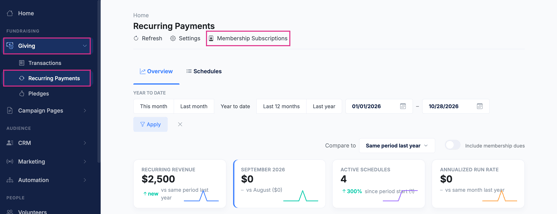
Click the Giving top menu item and choose the Recurring Payments option.
- For a recurring gift from a membership page, click Membership Subscriptions
- For a Recurring Donation from a Giving/Donation page, click Schedules
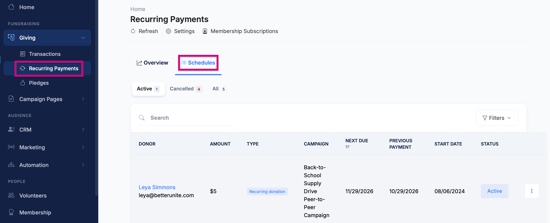
- Locate the donor whose recurring payment you want to cancel.
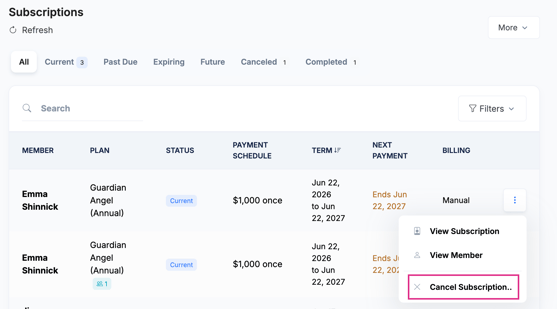
- Click the Three Dot symbol, then select Cancel Future Payments or Cancel Subscription.
- A confirmation window will appear. Click Cancel Payment Schedule to confirm and complete the cancellation.

Need additional help?
We're here to assist you in any way we can. Don't hesitate to reach out to support@betterunite.com
Let's go do some good.