-1.png?width=240&height=100&name=Heading%20(2)-1.png)
New Auction Items
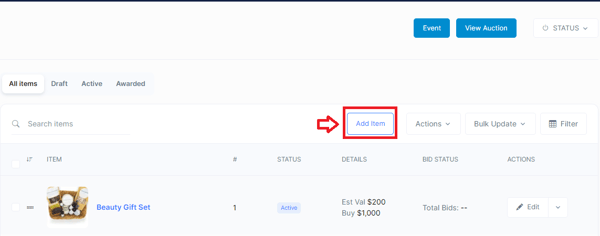
- On the Manage Auction page click the Add Item Button.
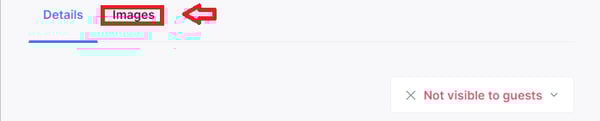
- Enter a name for the item and then hit the Images button at the top of the page.
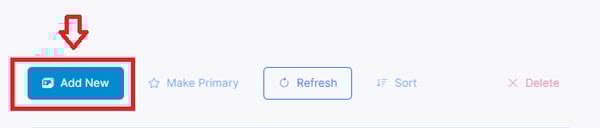
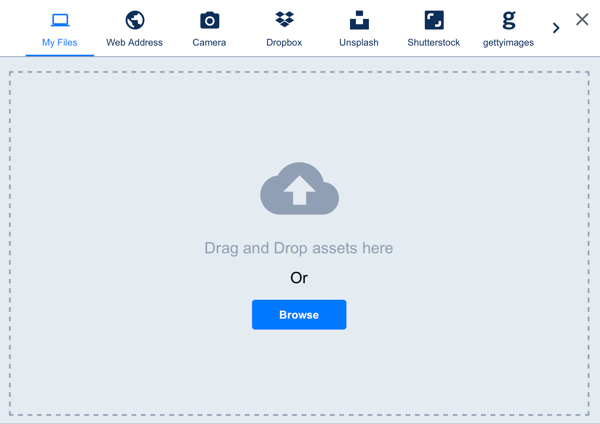
- Click the Add New Button and then select a video from your computer, insert a link or choose from free options.
Existing Auction Items
- To add an image to an existing auction item, simply click on the item you wish to edit on the Manage Auction page and follow steps 2-3 above.
Need Additional Help?
We're here to assist you in any way we can. Don't hesitate to reach out to support@betterunite.com
Let's go do some good.