-1.png?width=240&height=100&name=Heading%20(2)-1.png)
Welcome to BetterUnite! This article provides a quick tour of your account and shows you where everything is located. Use the video below for a visual walkthrough, or scroll down for step-by-step written instructions.
Dashboard
- The BetterUnite Dashboard is the central hub for managing all of your organization's fundraising activities.
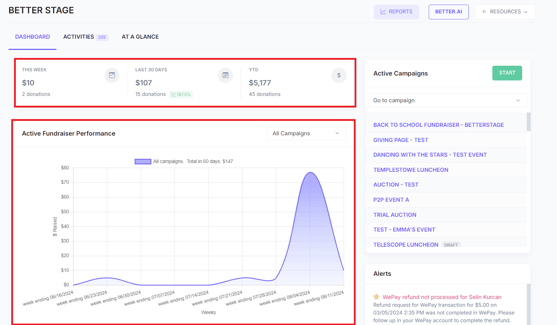
- Here you can monitor your fundraising trends to see your progress.
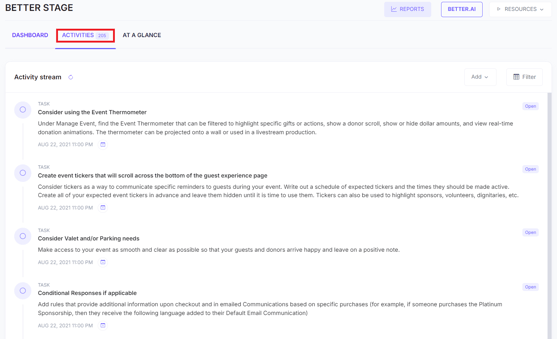
- Track or assign activities.
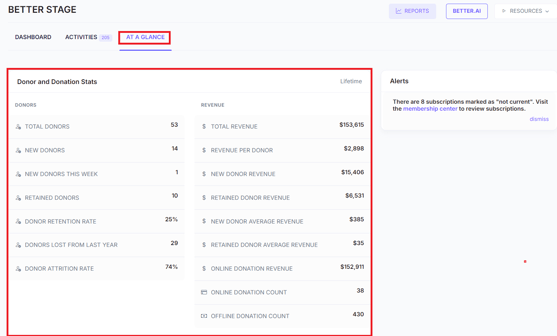
- View donor and donation statistics under the At a Glance tab.
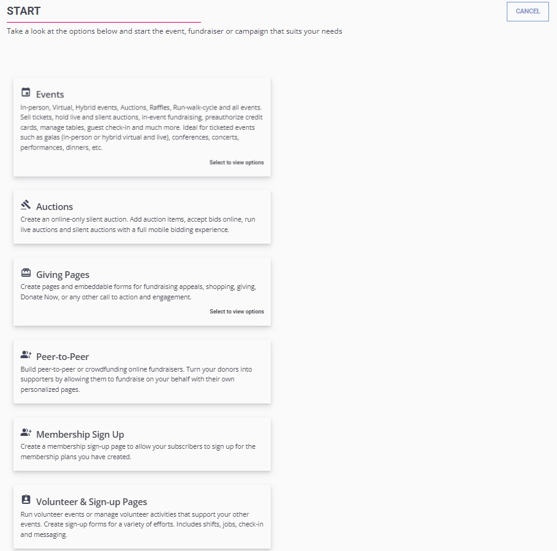
- Quickly access all of your active campaigns or use the Start button to begin a new campaign of any type.
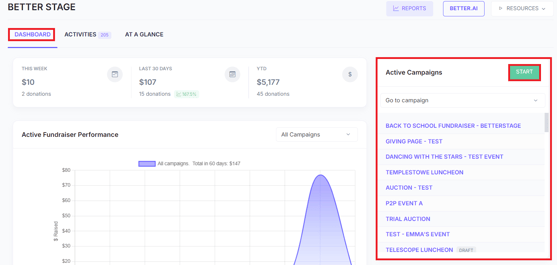
- Note: In BetterUnite, all webpages you create are called Campaigns.
Reports
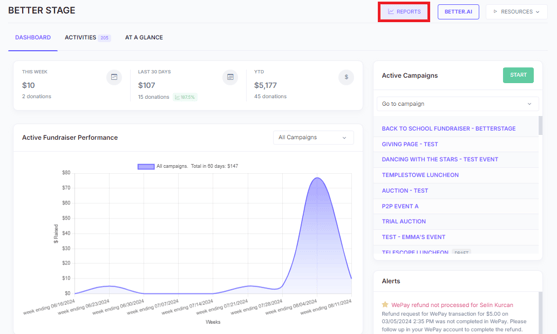
- Here you can access and utilize already curated reports in your report center or create your own custom reports.
Better.AI
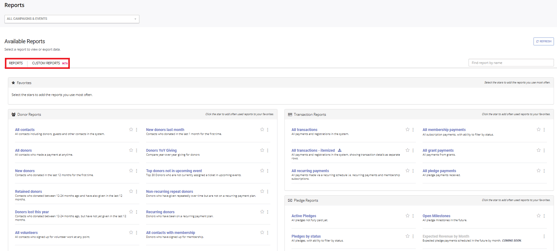
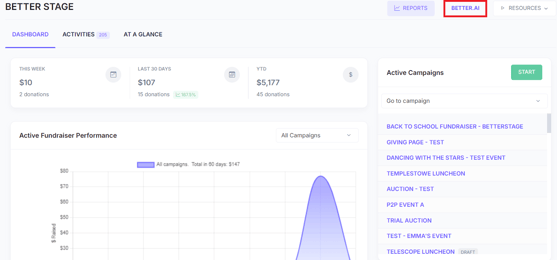
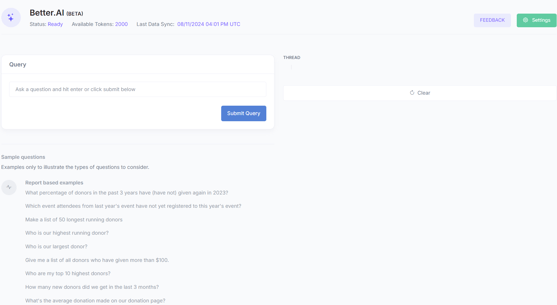
- On the Better.AI page, you can enable and explore BetterUnite's built-in AI tool—securely housed within your private BetterUnite account. Better.AI helps you work smarter by providing AI-powered insights and assistance directly inside the platform.
Resources
- If you need more help or information, head over to the resources and education center.
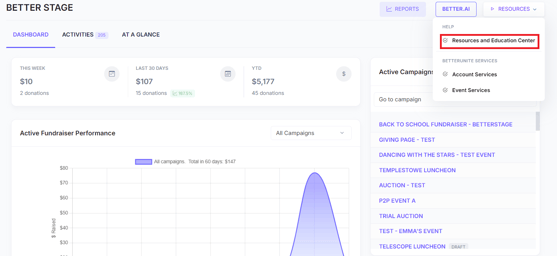
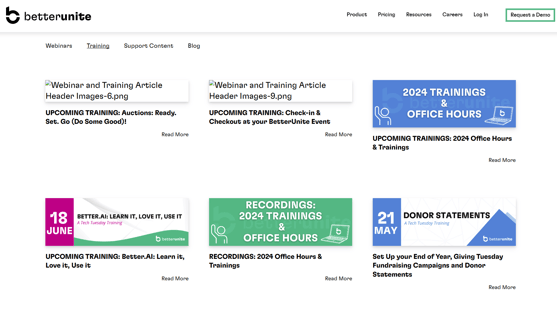
- Here you'll find, training videos, knowledge base articles, past and upcoming webinars.
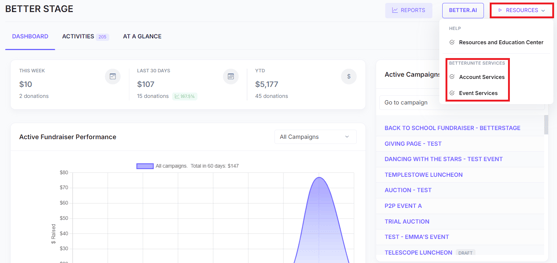
- Additional event and account services are also available in this drop down.
Menu Bar
- Other features and modules within your account can be accessed through the top menu bar.
- Under giving, you can view and manage all transactions, recurring payments, pledges and grants.

- Under contacts you can:
- Access and utilize your Contacts & Donor Management
- Handle Memberships or recurring giving programs.
- Create volunteer sign-up pages and track volunteer hours.
- Utilize tools such as, Outreach Lists and Messaging.

Settings Page
- Access the settings page by clicking on the gear icon in the top right corner.

- On this page you can:
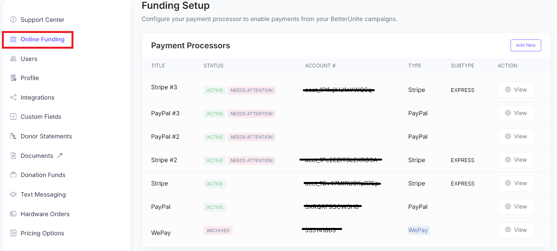
- Choose your payment processor on the online funding tab.
-
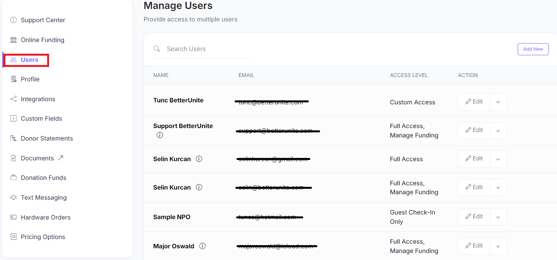
- Add as many users as you need.
-
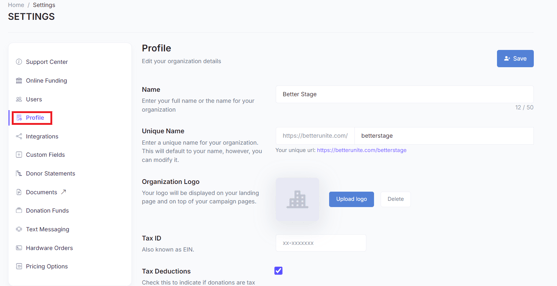
- Setup your profile.
-
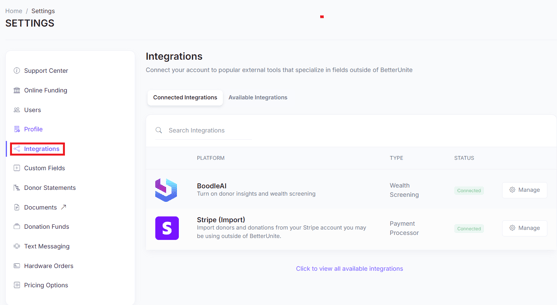
- Configure any integrations.
-
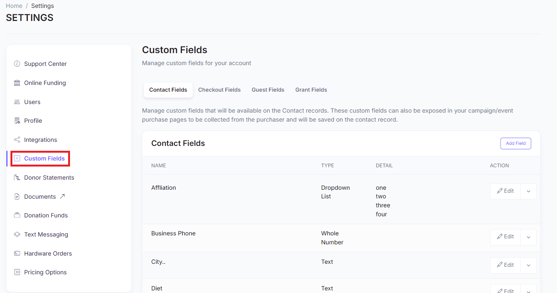
- Create custom contact fields.
-
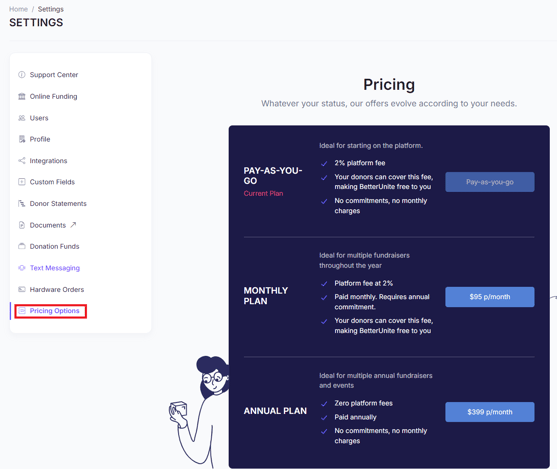
- Change to a different pricing model.
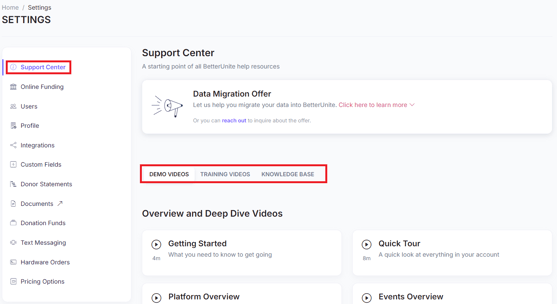
- For additional help within the support center, you can find our demo and training videos.
- You can also contact our support team, support@betterunite.com or you can reach out to your account manager with any questions.
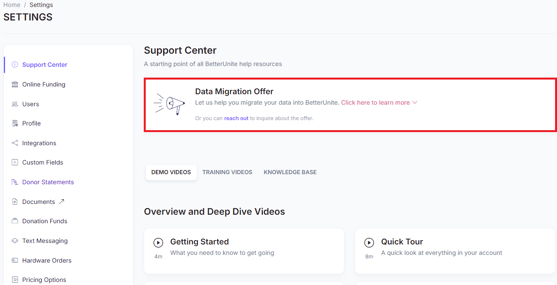
- You can also opt in to any limited-time offers available in your account, such as our free data migration service.
Need Additional Help?
We're here to assist you in any way we can. Don't hesitate to reach out to support@betterunite.com
Let's go do some good.