-1.png?width=240&height=100&name=Heading%20(2)-1.png)
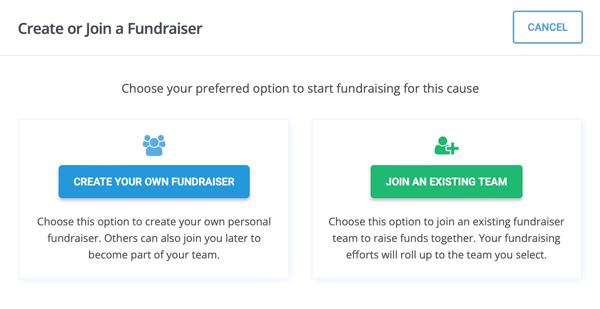
From the main webpage select Create or Join a Fundraiser. This will show in a different place depending on the page layout.


- Then decide between Create Your Own Fundraiser Page or Join an Existing Team.
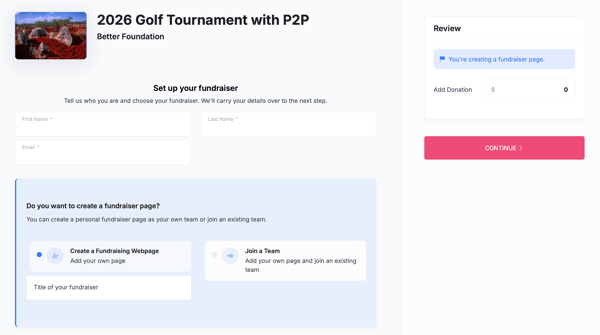
- You will be directed immediately to the set up your fundraiser page.
- Once on this page, enter the contact details and Fundraiser Page Title and hit Submit.
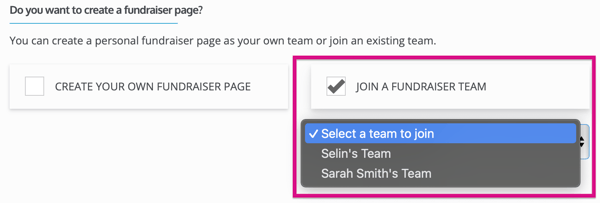
- If you select Join an Existing Team, choose a team from the dropdown.
Please Note: Once you continue, if there are other options available to purchase it will ask you, but it may or may not be required in order to hit "Continue." Most times you may hit continue without adding anything to purchase/donate.
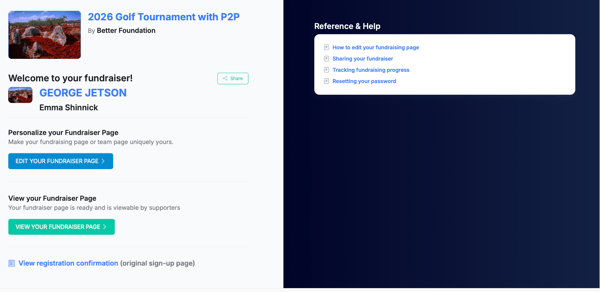
- You will be redirected to the confirmation page where you can choose to edit your page or begin to share it out.
- You will also receive the below email where you can get back to edit your page.
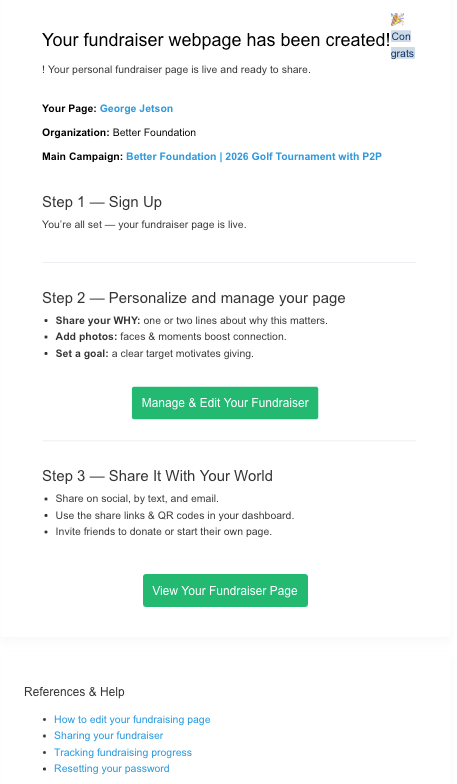
- From the confirmation page or that email, you can go directly to the fundraising page to share it or log in to access certain options, transactions, and other tools.
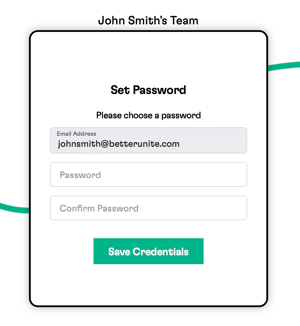

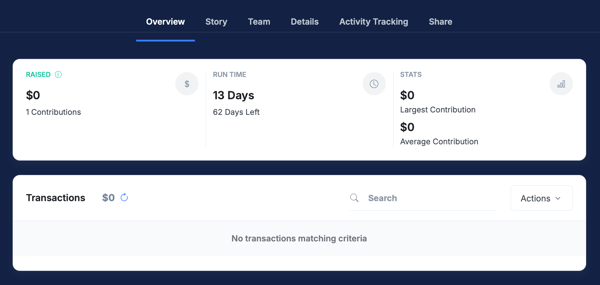
- Upon login, the widget guides you through your options. The page's transactions are in Overview.
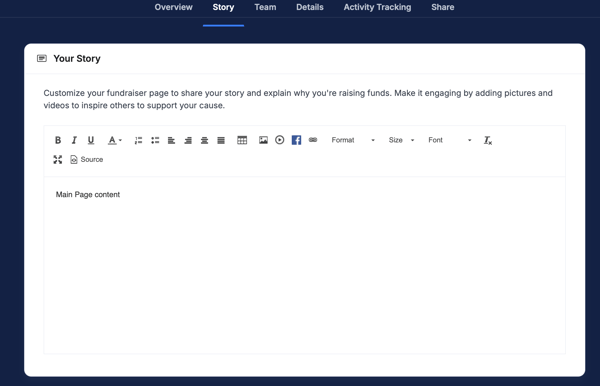
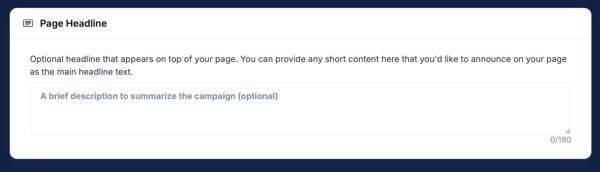
- Edit the content in the Story section with information about why you are raising money or what you are raising money for. The content that the organization provides will fill it by default. You can insert photos and other items (if the organization allows.) You can also adjust your page headline.
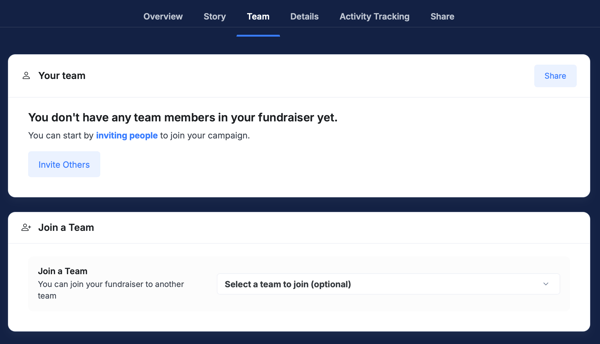
- In Team, you can see your team members' pages as well as join a team if you forgot to before creating your page.
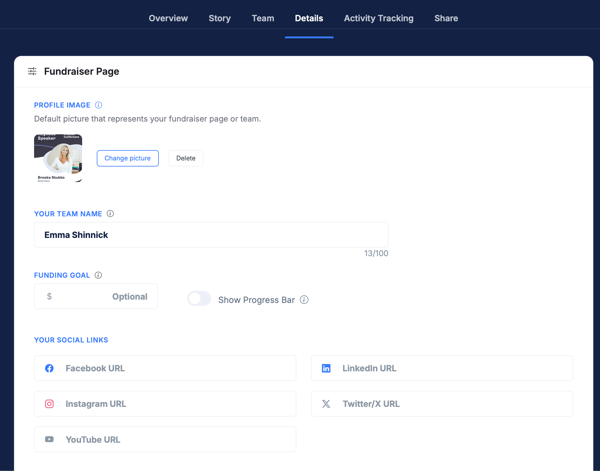
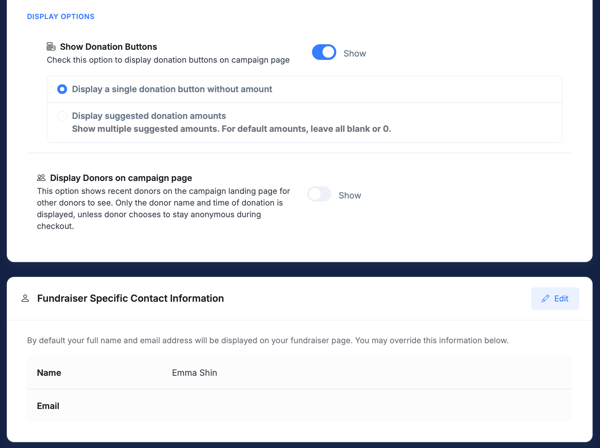
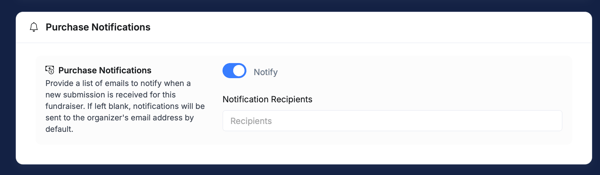
- In Details, you can customize or change the profile image (displayed in the leaderboard) page title (team name) and various other items including who receives transaction notifications for the page.
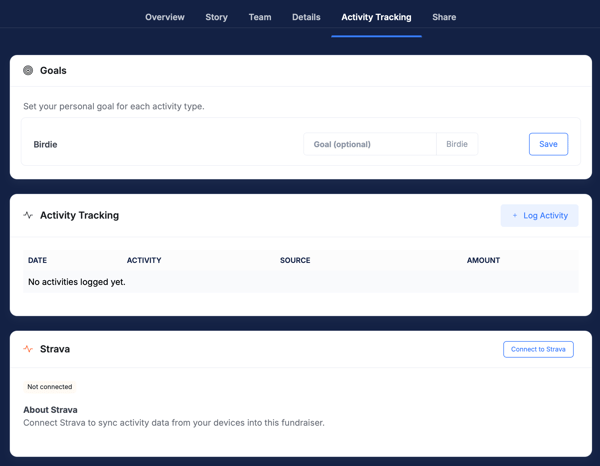
- If there are activities to be logged such as books read, miles run, etc., you can log the activities under Activity Tracking.
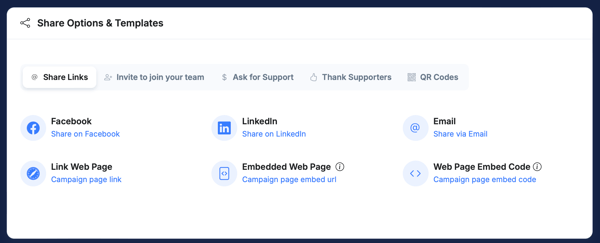
- Under Share there are suggested content options, shareable links and embed codes.
Need Additional Help?
We're here to assist you in any way we can. Don't hesitate to reach out to support@betterunite.com
Let's go do some good.