-1.png?width=240&height=100&name=Heading%20(2)-1.png)
Yes. BetterUnite allows administrators to post messages directly to a member that are visible to the member in their member portal. This is useful for sharing important updates, reminders, or personalized notes related to a membership.
Messages are added from the member’s profile and are automatically displayed to the member once saved.
Where member messages appear
-
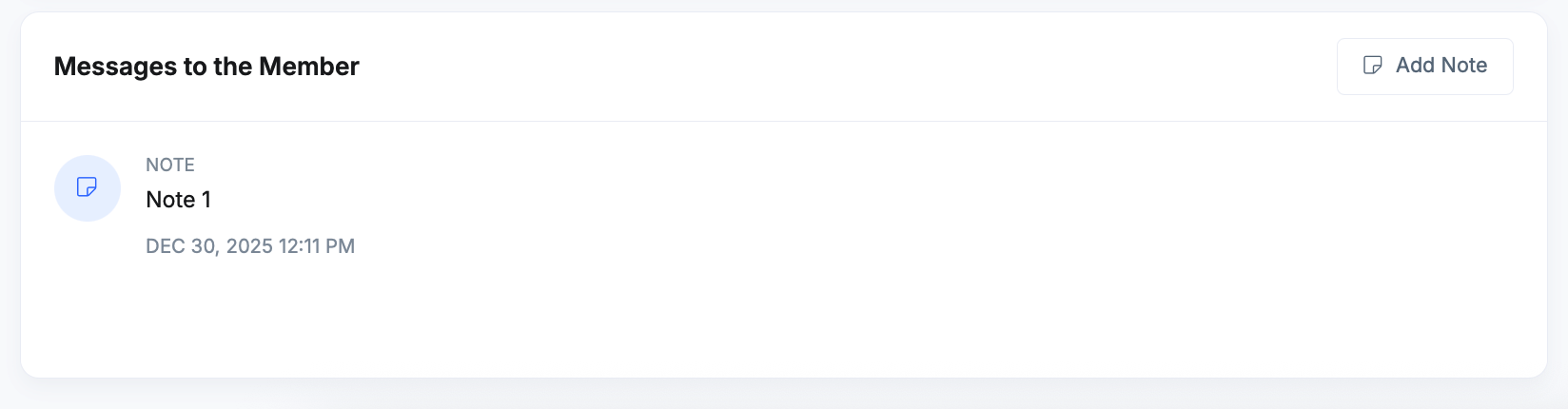
Admins see messages on the member’s profile under Messages to the Member
-
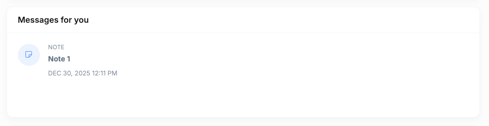
Members see the same messages when they log in to the member portal
This ensures both sides have a shared, transparent communication history.
How to post a message to a member
Step 1: Navigate to the member profile
-
Go to Membership Management
-
Locate the relevant subscription
-
Click the member’s name to open their member profile
Step 2: Find the “Messages to the Member” section
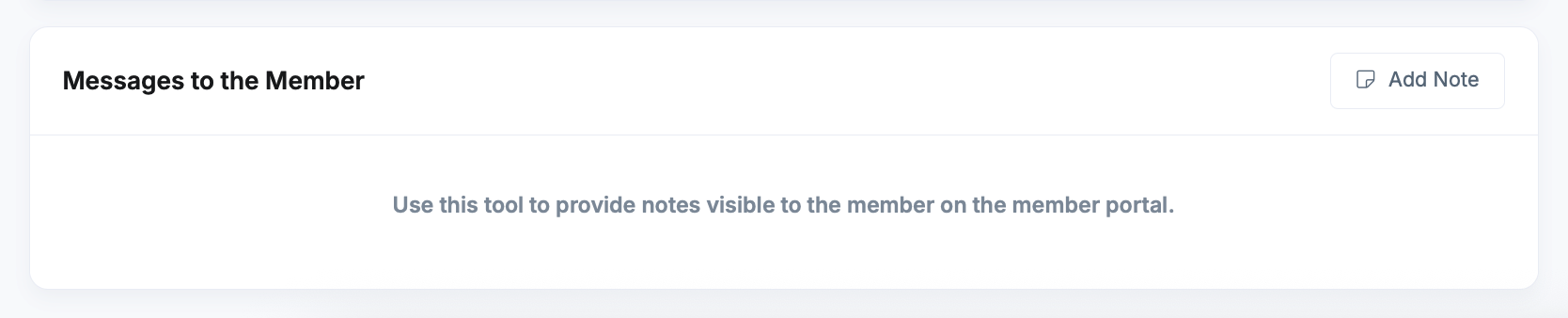
On the member profile page, scroll until you see the Messages to the Member panel.
-
If no messages have been added yet, you’ll see helper text explaining that notes added here are visible to the member.
-
If messages already exist, they will be listed with timestamps.
Step 3: Add a new message
-
Click Add Note in the Messages to the Member section
-
Enter your message in the Content field
-
Click Save Activity
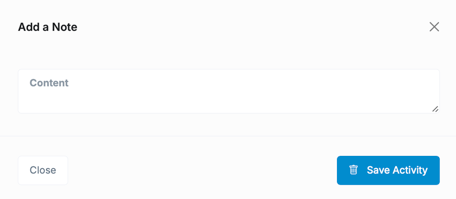
Once saved, the note appears immediately in the message list.
What the member sees
Members can view these messages by logging into their member portal. Messages added by administrators appear as part of their membership experience, clearly timestamped.
This makes it easy to:
-
Share renewal reminders
-
Communicate membership notifications
-
Provide one-off updates or clarifications
-
Maintain a clear record of communication
Internal notes vs. member-visible messages
BetterUnite separates notes intended for members from internal-only notes.
-
Messages to the Member
Visible to the member in the portal -
Messages for you
Internal notes visible only to administrators
This separation helps prevent accidental sharing of internal-only information.
Best practices
-
Keep messages clear and member-friendly
-
Avoid including internal processes or sensitive admin details
-
Use messages sparingly for important or helpful communication