-1.png?width=240&height=100&name=Heading%20(2)-1.png)
New Auction Items
- On the Manage Auction page click the Add Item Button

- Enter a name for the item and then hit the Images button at the top of the page.

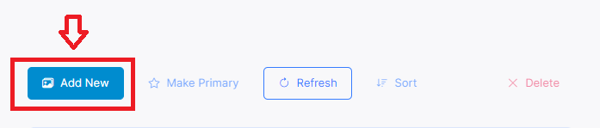
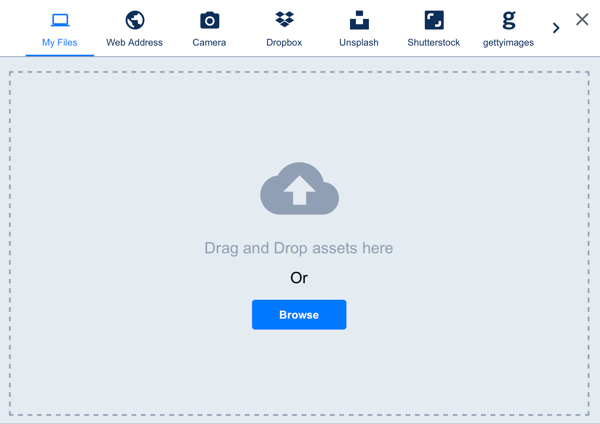
- Click the Add New Button and then select a photo from your computer, storage option, insert a link or use free photos from any of the options provided.
Existing Auction Items
To add an image to an existing auction item, simply click on the item you wish to edit on the Manage Auction page and follow steps 2-3 above.
For full auction item set up instructions and details see Add Auction Items.
Need Additional Help?
We're here to assist you in any way we can. Don't hesitate to reach out to support@betterunite.com
Let's go do some good.